10 Looker Studio alternatives in 2026 that are worth considering
Looker Studio has long been a go to solution for building dashboards and reports from multiple data sources. It is free, integrates with many services, and makes data sharing easy. As analytics needs grow and companies look for more advanced features, performance, or enterprise support, it helps to know what other tools are available. In this article we cover ten Looker Studio alternatives to consider in 2026, with a focus on capabilities, pricing model, and best use cases.
Power BI, Tableau, Metabase, Superset, and ZapDigits are among the strongest Looker Studio alternatives for reporting and analytics.
What should you look for in a Looker Studio alternative?
Before jumping into the list here are a few criteria to guide your choice:
- Query performance and ability to handle large datasets
- Support for multiple data sources and easy connectors
- Advanced charting and visualization options
- Collaboration features and access controls
- Scalability and pricing that matches your business stage
What are the best Looker Studio alternatives in 2026?
If you're looking for a Looker Studio replacement in 2026, the best choice depends on whether you're an agency, startup, SaaS company, or enterprise team.
Why choose Power BI instead of Looker Studio?
Power BI is Microsofts business intelligence platform. It provides a full suite of analytics from desktop authoring to browser based dashboards. Power BI can connect to hundreds of data sources. It offers advanced visualizations and strong governance controls. It scales from small teams to large enterprises.
Is Tableau better than Looker Studio?
Tableau is a veteran in the analytics space known for its flexible and powerful visual analysis. It supports a wide range of data sources and provides deep capabilities for exploring data visually. Tableau can be deployed in the cloud or on premise. It remains a top choice for teams that want highly interactive dashboards.
When is Metabase a better choice than Looker Studio?
Metabase is an open source analytics platform that is easy to install and run. It works well for teams that want a simple, SQL friendly interface with straightforward dashboards and charts. Metabase supports embedding and can be a good choice for internal reporting without heavy licensing costs.
Who should use Apache Superset over Looker Studio?
Apache Superset is a community driven analytics tool that scales well for large datasets. It supports advanced charting and SQL exploration. Superset is often chosen by teams that need flexibility and are comfortable with some technical setup. It can connect to modern data warehouses with fast query performance.
Why do data teams choose Mode Analytics?
Mode combines SQL, Python, and R notebooks with dashboarding. It is built for data teams that need more advanced analytics workflows. Mode provides collaboration features and strong version control for queries and reports. It is a good fit for analytics teams that work with code based data workflows.
Is Redash a good alternative to Looker Studio?
Redash is a simple and effective query and visualization tool that supports many data sources. It provides a lightweight interface for SQL queries and dashboard creation. Redash fits teams that want to quickly build and share dashboards without complex setup.
What makes Zoho Analytics different from Looker Studio?
Zoho Analytics is part of the broader Zoho ecosystem. It provides data connectors, visual analytics, and automated insights. It works well for small and mid sized businesses that also use Zoho CRM or other Zoho apps. It includes white labeling and embedded analytics options.
Why do enterprises choose Qlik Sense?
Qlik Sense is a full featured analytics and data discovery platform. It offers associative data indexing that makes exploring relationships in data easier. Qlik Sense supports advanced analytics and self service discovery with governance controls. It is suited for organizations with complex data needs.
Why should marketing teams consider ZapDigits?
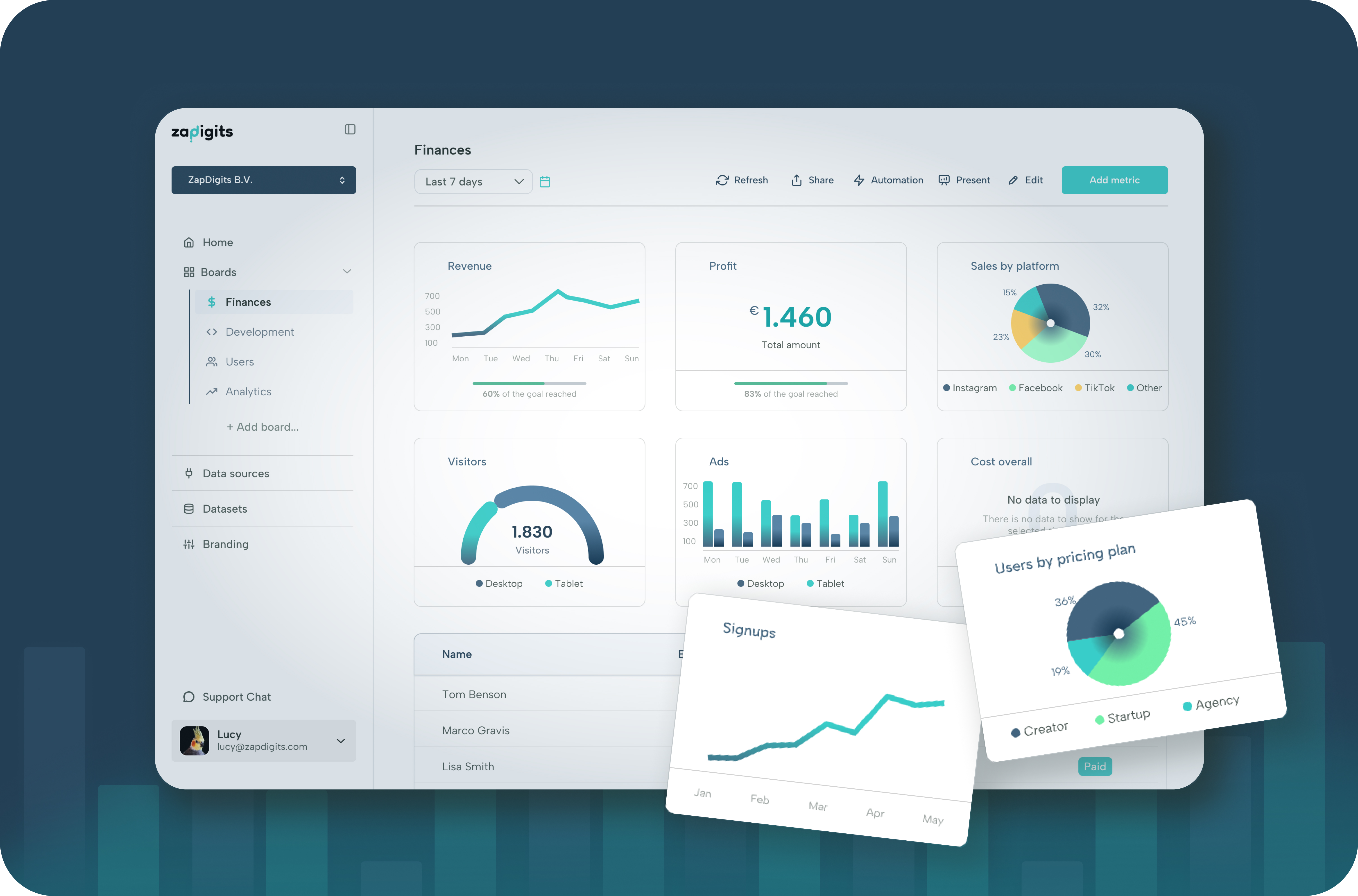
ZapDigits is built for startups, agencies, and marketing teams that need dashboards that combine data from multiple services without the complexity of traditional business intelligence tools. It focuses on marketer friendly reporting, client reporting, and cross channel analytics. ZapDigits connects to modern data sources, supports automated report delivery, and provides clean, shareable dashboards for teams of all sizes.
How to choose the right tool Assess your current analytics requirements first. If you need simple free reporting and your team is small, Metabase or Redash might be enough. If you work with large data warehouses or need strong governance, tools like Power BI or Tableau could be a better fit. For teams that want a focused marketing and client reporting solution without heavy setup, tools like ZapDigits provide value with dedicated connectors and streamlined dashboarding.
Conclusion Looker Studio remains a solid option for many users but it is not the only choice in 2026. Each alternative here serves a different set of needs from simple visual reporting to enterprise scale analytics. Review pricing, integration support, and workflow fit before making a decision. The best tool for your team is the one that helps you understand your data clearly and act on insights quickly.