50 prompts every marketing agency should use with their AI agent
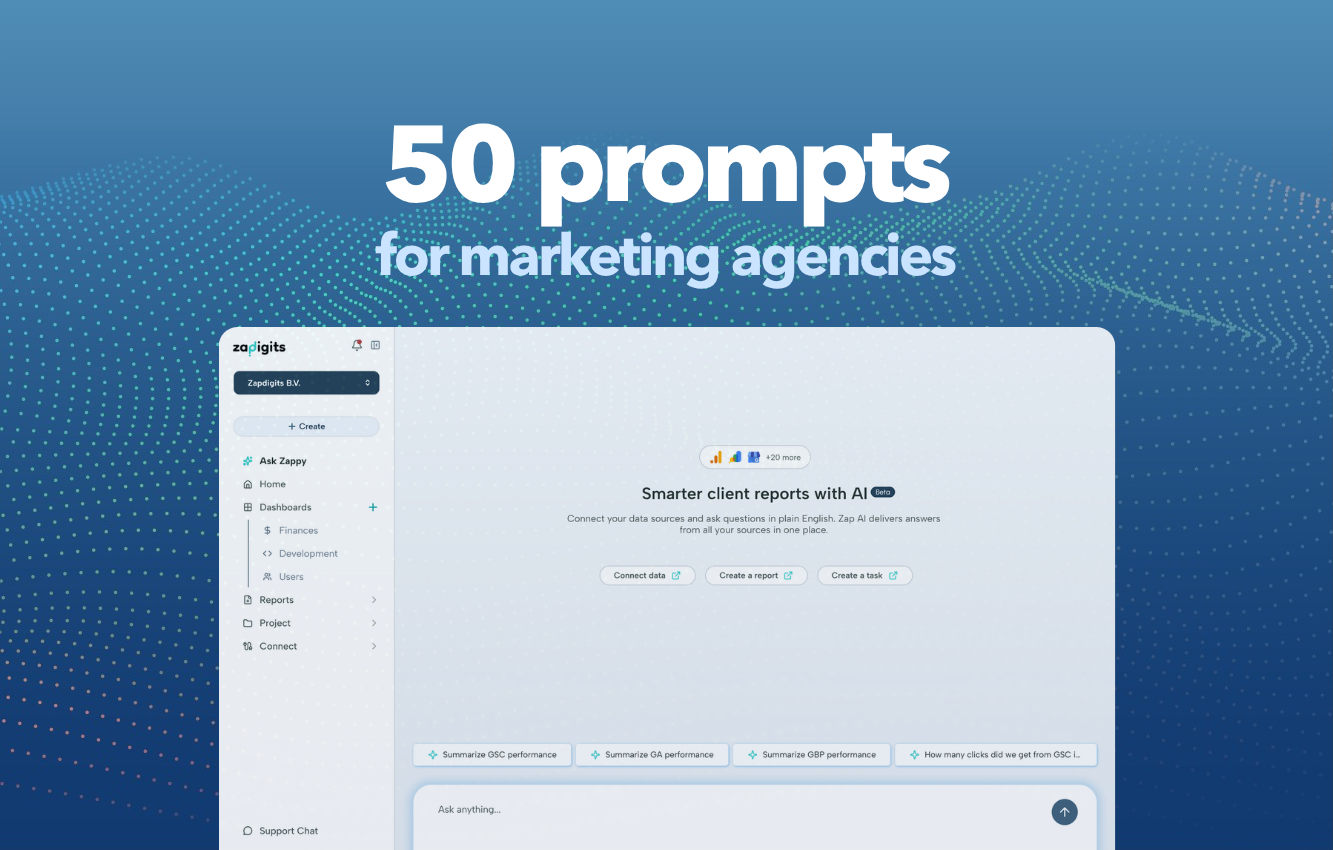
50 Prompts Every Marketing Agency Should Use With Their AI Agent
If you've connected your client data to an AI agent, you already have a superpower. The question is: are you actually using it?
Most agencies use AI to write copy or summarise emails. But an AI agent that's connected to your real marketing data — Google Analytics, Search Console, Meta Ads, Google Ads, and more — can do something far more valuable: it can think with you about your clients' performance, flag problems before clients do, and turn hours of reporting into minutes.
To help you get started, we've put together 50 of the most useful prompts for marketing agencies. Copy them, adapt them, and make them your own.
Reporting & Client Summaries
These prompts help you turn raw data into polished, client-ready content — fast.
- "Write a monthly performance summary for [client] covering traffic, conversions, and top-performing channels."
- "Create an executive summary of [client]'s last 30 days that I can paste into an email."
- "Summarise this month's results compared to last month. Highlight what improved and what dropped."
- "Write a short report I can share with [client]'s CEO — no jargon, just outcomes."
- "Generate a quarterly review slide deck outline for [client] based on their last 90 days of data."
- "List the 5 most important metrics to include in [client]'s monthly report and explain why each matters."
- "Write a report intro paragraph that explains why last month was strong despite a drop in traffic."
- "Create a performance table showing week-on-week changes across all channels for [client]."
Google Analytics 4 (GA4)
Use these to dig into traffic, behaviour, and conversion data without needing to build reports manually.
- "What were the top 5 traffic sources for [client] last month and how did each convert?"
- "Which pages had the highest bounce rate last month and what could explain it?"
- "Show me how organic traffic has trended over the last 6 months for [client]."
- "Which landing pages drove the most goal completions last month?"
- "Compare direct traffic vs organic traffic for [client] over the last 90 days."
- "Which devices (mobile, desktop, tablet) drove the most conversions last month?"
- "Identify any unusual traffic spikes or drops in the last 30 days and suggest possible causes."
- "What is the average session duration for [client]'s top 5 pages?"
- "Which acquisition channels have improved the most over the last quarter?"
Google Search Console (GSC)
These prompts help you find SEO opportunities, diagnose drops, and give clients clear visibility on search performance.
- "What are [client]'s top 10 ranking keywords by clicks last month?"
- "Which keywords have a high impression count but low click-through rate — where should we improve meta titles?"
- "Have any keywords dropped significantly in ranking over the last 30 days? What could be causing it?"
- "List pages that have lost the most organic clicks compared to last month."
- "Which pages have improved the most in average position over the last quarter?"
- "Find keyword opportunities where [client] ranks between position 8 and 15 — low-hanging fruit we can push to page 1."
- "How does click-through rate compare across different page types (blog, product, landing page)?"
- "Which branded keywords are driving the most impressions?"
- "Summarise [client]'s search visibility trend over the last 6 months in plain English."
Paid Ads — Google Ads
Get fast answers about campaign performance, budget efficiency, and where to optimise.
- "Which campaigns had the best ROAS last month and what made them perform well?"
- "Which ad groups are spending the most with the worst conversion rate? Should we pause any?"
- "Compare this month's CPA to last month's across all active campaigns."
- "Which keywords are generating clicks but zero conversions? Suggest next steps."
- "What is the average Quality Score across [client]'s search campaigns and how can we improve it?"
- "Show me which campaigns are close to budget limits and might be limiting impressions."
- "Write a performance summary of [client]'s Google Ads for the last 30 days, including key wins and issues."
- "Which ad copy variations are outperforming others in terms of CTR?"
Paid Ads — Meta Ads
Use these to monitor Facebook and Instagram campaigns without drowning in Ads Manager.
- "Compare Meta Ads performance this month vs last month for [client] — focus on reach, CTR, and CPA."
- "Which audience segments are converting best and at what cost?"
- "Which creatives have the highest engagement rate and what do they have in common?"
- "Are there any ad sets with high frequency that might be causing fatigue? What should we do?"
- "Write a summary of [client]'s Meta Ads performance I can share with their marketing manager."
- "Which campaigns have the lowest cost per lead this month?"
- "Compare the performance of video ads vs static image ads for [client] last month."
Cross-Channel Analysis
These prompts are where the AI agent really shines — seeing the full picture across all channels at once.
- "Which channel drove the most conversions last month — organic, paid, or social?"
- "Compare the cost per acquisition across Google Ads, Meta Ads, and organic for [client]."
- "If [client] had an extra €2,000 to spend next month, which channel would you recommend based on performance?"
- "Where are we losing users in the funnel — top, middle, or bottom — and which channel is the weakest?"
- "Are there any channels that have improved significantly this quarter that we should double down on?"
Strategy & Recommendations
Turn data into decisions with these prompts.
- "Based on last month's data, what are the top 3 things we should prioritise for [client] next month?"
- "Write a set of recommendations for [client] that I can present in our next strategy call."
- "What are the biggest risks to [client]'s current performance and how should we mitigate them?"
- "If [client] wants to increase leads by 20% next quarter without increasing budget, where should we focus?"
How to Get the Most Out of These Prompts
A few tips to make your AI agent even more useful:
Be specific about the client and timeframe. The more context you give, the better the answer. "Last month" is good. "October 2024 vs September 2024 for Acme Co" is better.
Ask follow-up questions. A good AI agent isn't a one-shot tool. If the first answer surfaces something interesting, dig in: "Why do you think that happened?" or "What would you recommend we do about it?"
Use it before client calls. Run a quick brief prompt before every call: "Summarise [client]'s performance this month in 5 bullet points." You'll always be prepared.
Turn insights into drafts. Once you have an insight, ask the agent to write the client email, the report section, or the strategy recommendation. Cut your reporting time in half.
Privacy Note
At ZapDigits, your client data stays yours. The AI agent works entirely within your workspace — we never store your chats or pass your clients' data to third-party platforms. Everything is hosted in the EU and fully GDPR compliant.
Want to try these prompts with your own client data? Start your free trial of ZapDigits and connect your first data source in minutes