
A modern DashThis alternative for agencies
DashThis prices by the number of marketing reports (dashboards). At 30 clients, 30 dashboards, and 30 data connections, costs climb fast. ZapDigits is built for that scale—with transparent pricing that doesn't balloon with every new client.
Pricing at 30 marketing reports (dashboards)
On DashThis, each plan caps how many "dashboards" (their term for a marketing report) you can run. To cover 30 dashboards, you need at least the Standard tier at $409/mo.
DashThis (illustrative)
Published monthly tiers. Annual savings figures are as shown on DashThis marketing pages.
- Individual
Up to 3 dashboards
$42/mo
Save $84/yr vs monthly
- Professional
Up to 10 dashboards
$135/mo
Save $288/yr vs monthly
- BusinessPopular
Up to 25 dashboards
$264/mo
Save $540/yr vs monthly
- Standard
Up to 50 dashboards
$409/mo
Save $840/yr vs monthly
For 30 dashboards, you need the Standard plan or higher → $4,908/year at list monthly × 12 (before discounts).
ZapDigits
Same workload scenario we use across the site: 30 clients · 30 dashboards · 30 data sources.
Transparent annual price
$174
/ year
- • Built for agencies: white-label, media library, tasks, 30+ integrations
- • No per-dashboard ladder—compare total cost of ownership for your stack
DashThis is a registered trademark of its owner. Figures above are for comparison only based on publicly listed plan limits and prices; verify on dashthis.com before purchasing.
Feature snapshot: ZapDigits vs DashThis
DashThis is strong at marketing reporting. ZapDigits adds agency operations—tasks, media, and a pricing model aimed at multi-client scale. Details below are summarized from public DashThis plan descriptions; confirm before you buy.
| Capability | ZapDigits | DashThis |
|---|---|---|
Task management & client workflows ZapDigits includes tasks alongside dashboards; DashThis focuses on reporting. | ||
Media / asset storage for client work | ||
Marketing dashboards (reports) & KPIs | ||
Unlimited users (collaborators) | ||
Integrations (e.g. GA, Ads, social) DashThis lists unlimited integrations on all plans. | ||
Multiple integrations in one dashboard | ||
Data blending across integrations | ||
Preset dashboard templates | ||
Drag-and-drop layout | ||
AI insights (preset summaries) DashThis: 4 preset insight types. ZapDigits: AI visibility & reporting features—see product pages. | ||
AI chat with dashboard context DashThis offers AI Insights PRO as an add-on with chat. | Add-on | |
White-label (remove vendor branding) | ||
Custom domain for shared dashboards | ||
Scheduled email delivery & PDF export |
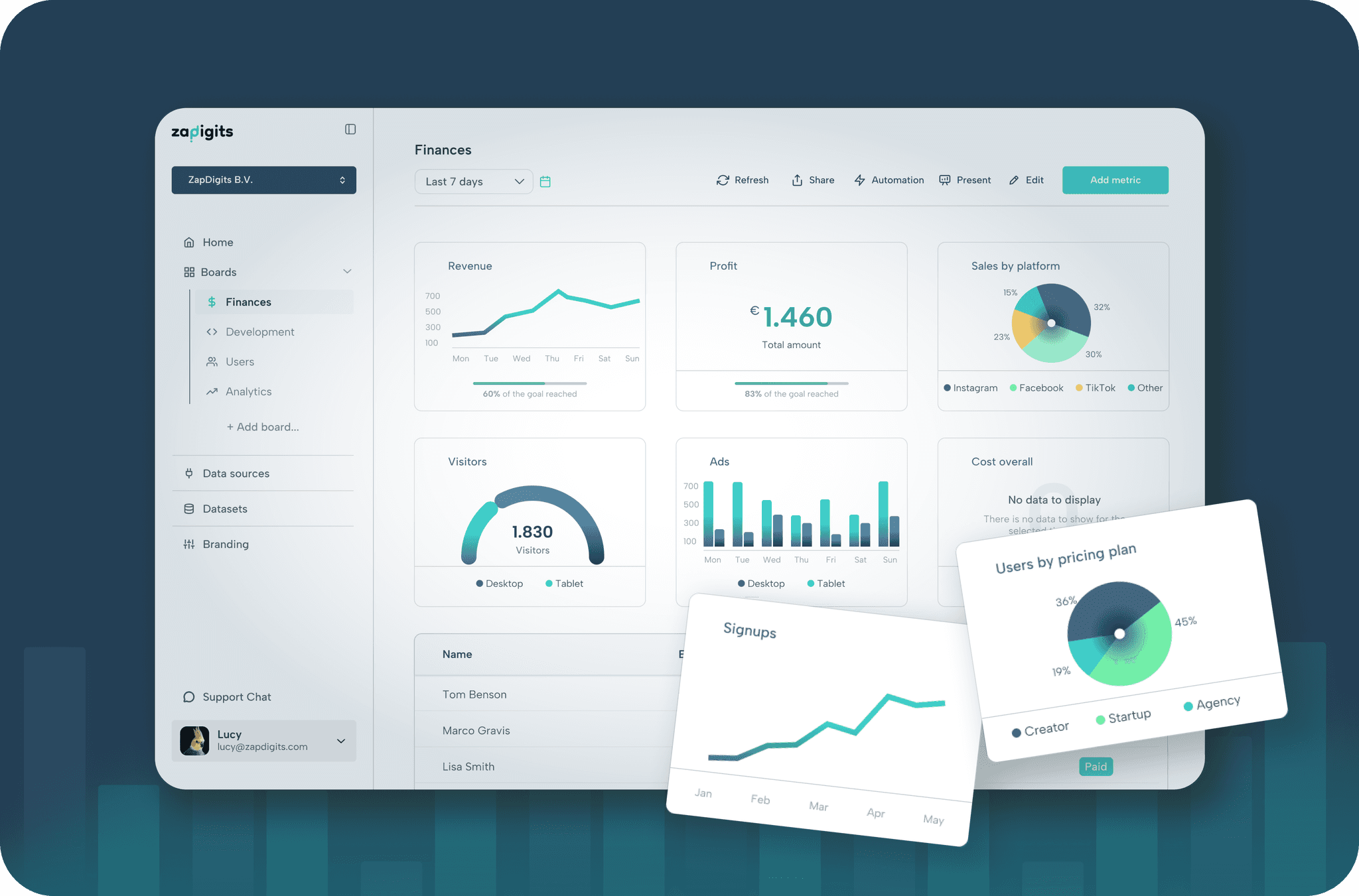
All Your Marketing Data, One Branded Report
Combine metrics from across your favorite tools into a single, customized report. Highlight what matters most with insights from:
Unlimited reports for unlimited clients
Create and customize as many white-label client reports as you need. Keep a polished, professional presentation for every campaign and client - all under your own branding.
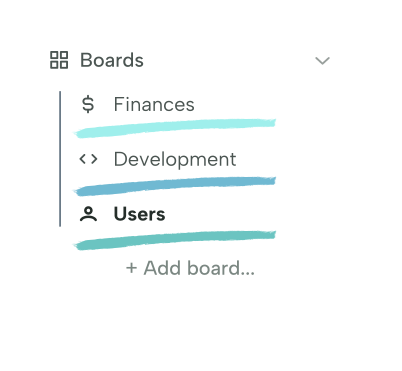
Team collaboration & project management
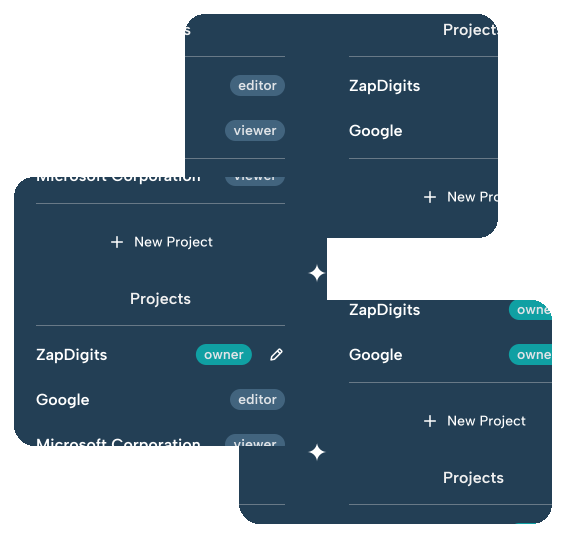
Manage multiple projects effortlessly. ZapDigits lets you organize reports by client, invite your team to collaborate, and control who can view or edit each report. Perfect for agencies handling multiple accounts.
Share Reports & automate Delivery
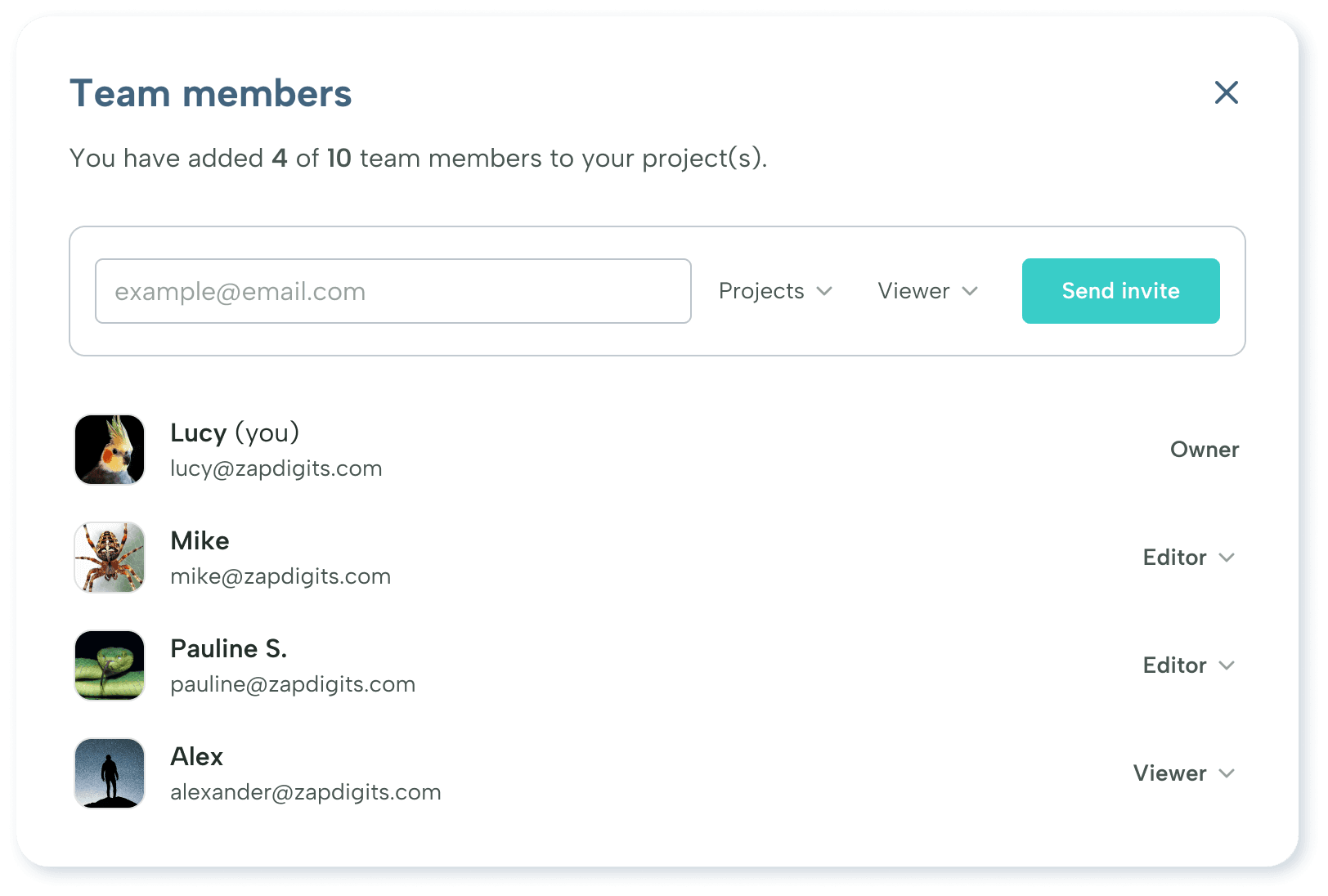
Invite your clients and team members
Team work makes the dream work and you don't have to do it all alone. If you have a team of people that you want to share your digital marketing dashboards and business insights with, just invite them as team members. You can assign them as two different roles: Editor or Viewer. Per user you can decide which one of your projects and dashboards they should be able to access.

Product
Compare
Resources




ZapDigits 2025. All rights reserved. | Made in The EU 🇪🇺