How to create an email marketing dashboard
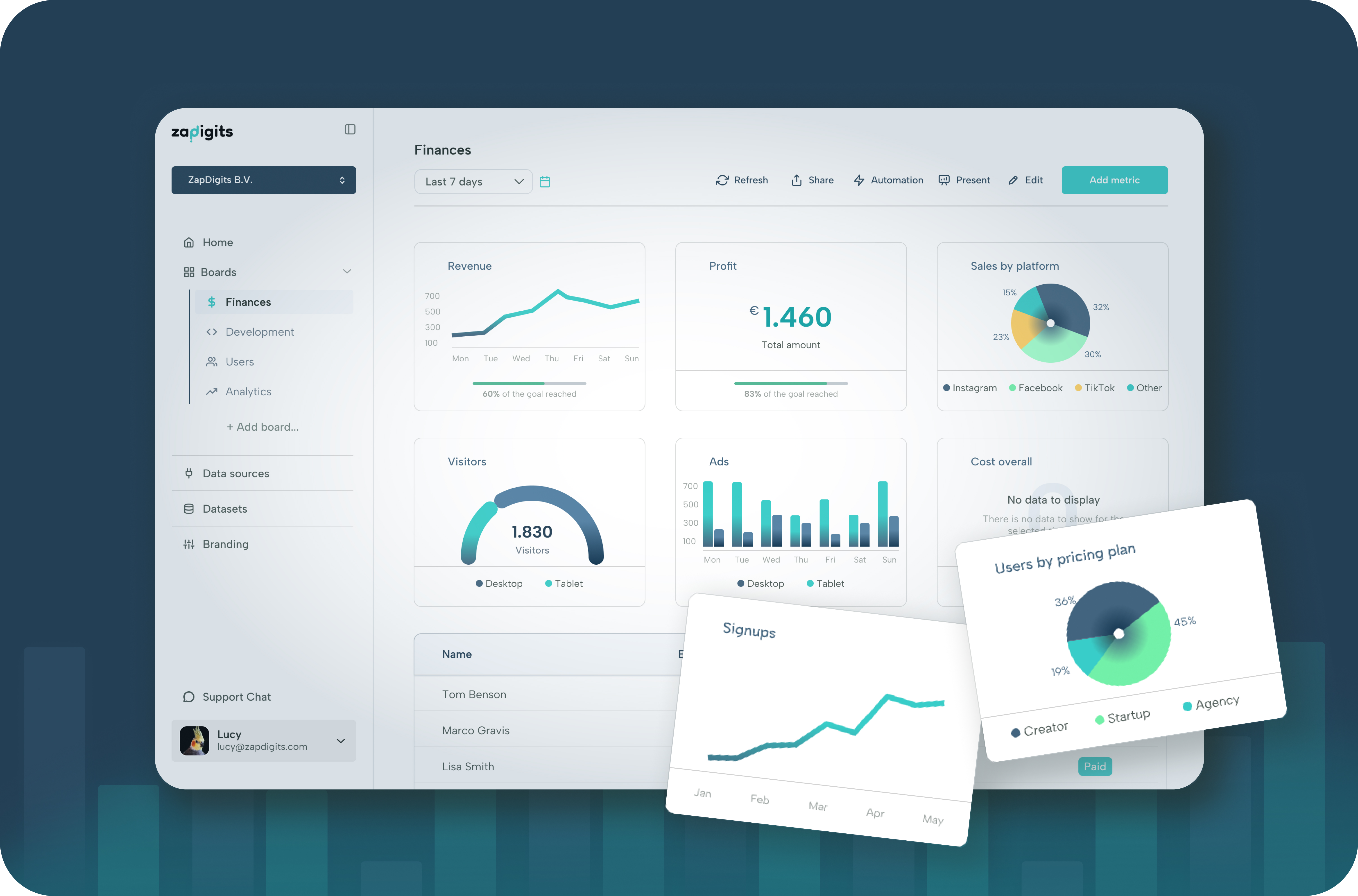
Before we get into email marketing dashboards, let’s first look at why they matter and what you should actually be tracking.
Why do we need an email marketing dashboard?
If you’re doing email marketing for clients, you already know how messy it can get. All your metrics are sitting inside different tools, and it’s not always easy to get a clear picture of what’s actually going on.
The real headache starts when clients begin asking questions like “how are we doing this month?” or “what’s our average performance?” Then you’re digging through data, putting numbers together, and basically doing the same work over and over again.
A dashboard fixes that.
Instead of answering the same questions every week, you can just share a report or give clients access to a live dashboard they can check anytime. They get the answers they need, and you don’t have to keep jumping into support mode.
It just makes things smoother. Less back-and-forth, fewer interruptions, and more time to actually focus on running good email campaigns.
What should you track in an email marketing dashboard?
If you’re building a dashboard, the goal isn’t to track everything. It’s to track the stuff that actually tells you how your emails are performing and where to improve.
Here are the key things worth keeping an eye on:
1. Open rate Gives you a quick sense of how well your subject lines are doing. If people aren’t opening, nothing else matters.
2. Click-through rate (CTR) Shows whether people are actually engaging with your content, not just opening and leaving.
3. Conversion rate This is the big one. Are your emails driving signups, purchases, or whatever your goal is?
4. Unsubscribe rate Helps you spot if you’re sending too often or missing the mark with your content.
5. Bounce rate Keeps your list health in check. Too many bounces usually means outdated or low-quality emails.
6. Revenue (if applicable) If your emails are tied to sales, this is what clients really care about.
7. Performance over time Weekly or monthly trends matter more than one-off campaigns. This is usually what clients ask about.
At the end of the day, your dashboard should answer one simple question: “Is this working, and is it getting better over time?”
If it does that clearly, you’re on the right track.
What are top email marketing tools?
How to create a dashboard for your email marketing
Here’s how you can set up a dashboard and share it with your clients in just a few minutes.
- Log in to ZapDigits
- Click “Create dashboard”
- Click “Connect data source”
- Search for your email tool (like Brevo, Mailchimp, or HubSpot) and connect it
- Go back to your dashboard and click “Add metrics”
- Select the metrics you want to track and save
And that’s it.
You now have a multi-platform email marketing dashboard that you can share with clients in just a few minutes