Paid search reporting
Show campaign spend, clicks, and conversions with clear trend lines for clients.


Marketing
Connect Google Ads to ZapDigits and report paid search performance in client dashboards. Track spend, conversions, and campaign efficiency alongside SEO, analytics, and revenue data.
Get started freeShow campaign spend, clicks, and conversions with clear trend lines for clients.
Connect ad performance to revenue sources like Stripe or Shopify when available.
Reuse Google Ads dashboard layouts across accounts while keeping data separate.
Build dashboards around the KPIs your clients care about and keep reporting consistent across accounts.
Step 1
Add this integration in ZapDigits and authorize access in a few clicks.
Step 2
Combine this source with your other tools and choose the metrics that matter.
Step 3
Deliver white-label dashboards and scheduled reports your clients can trust.
Blend data from multiple tools in one dashboard to give clients a complete view of performance.

Connect Google Analytics 4 to track sessions, users, conversions, traffic sources, and engagement.

Connect Google Search Console to track clicks, impressions, CTR, position, and top queries.

Connect Stripe to track revenue, subscriptions, MRR, churn, and payment performance.

Connect Amazon Ads to track spend, attributed sales, ACOS, ROAS, impressions, clicks, and campaign performance.

Connect ChatGPT Ads to track spend, impressions, clicks, CTR, CPC, conversions, and campaign performance.
FAQ
Answers about connecting Google Ads, available metrics, and reporting in ZapDigits.
From the blog
Latest posts about reporting, dashboards, and marketing analytics that relate to Google Ads.
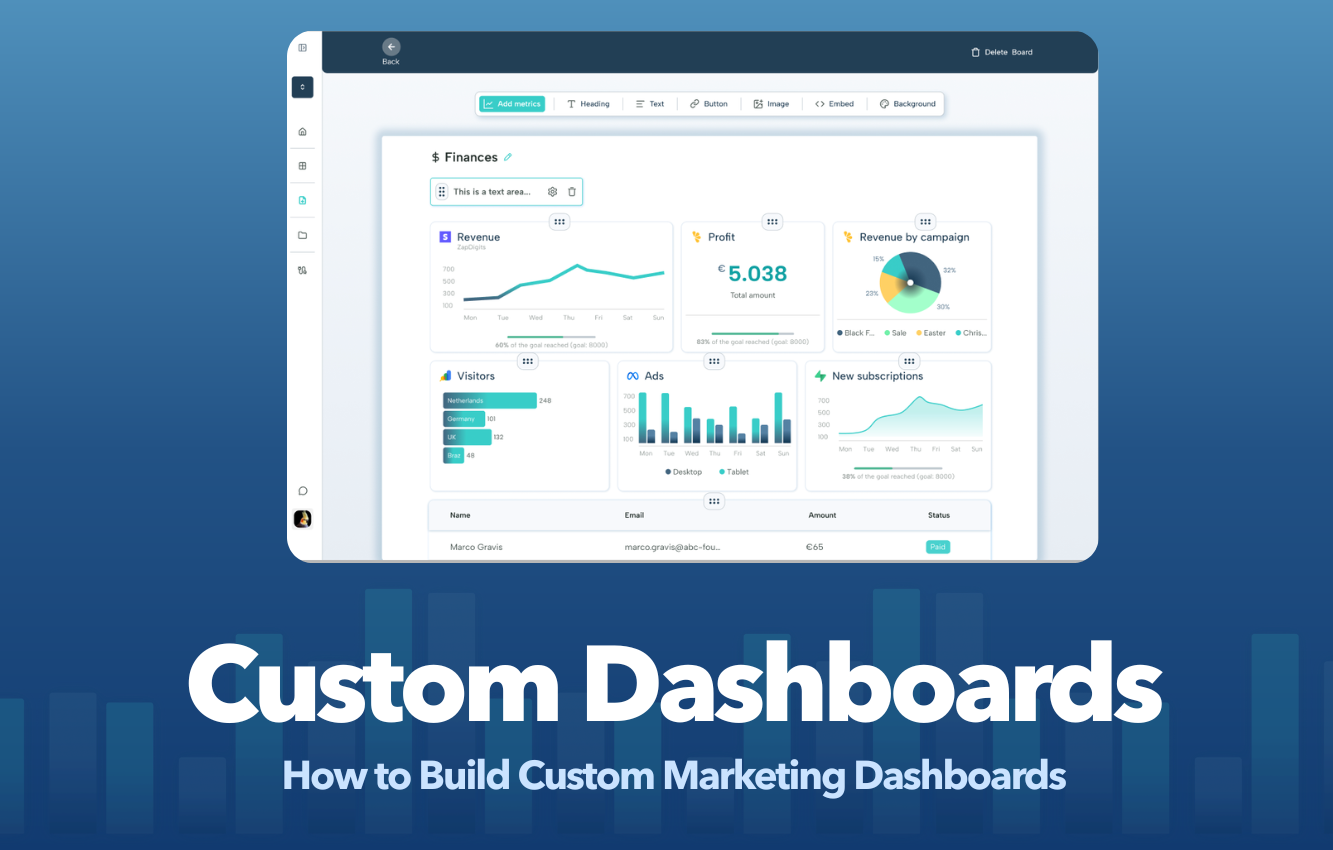
Learn how to build custom client marketing dashboards that showcase results, improve client retention, and eliminate hours of manual reporting.
Read article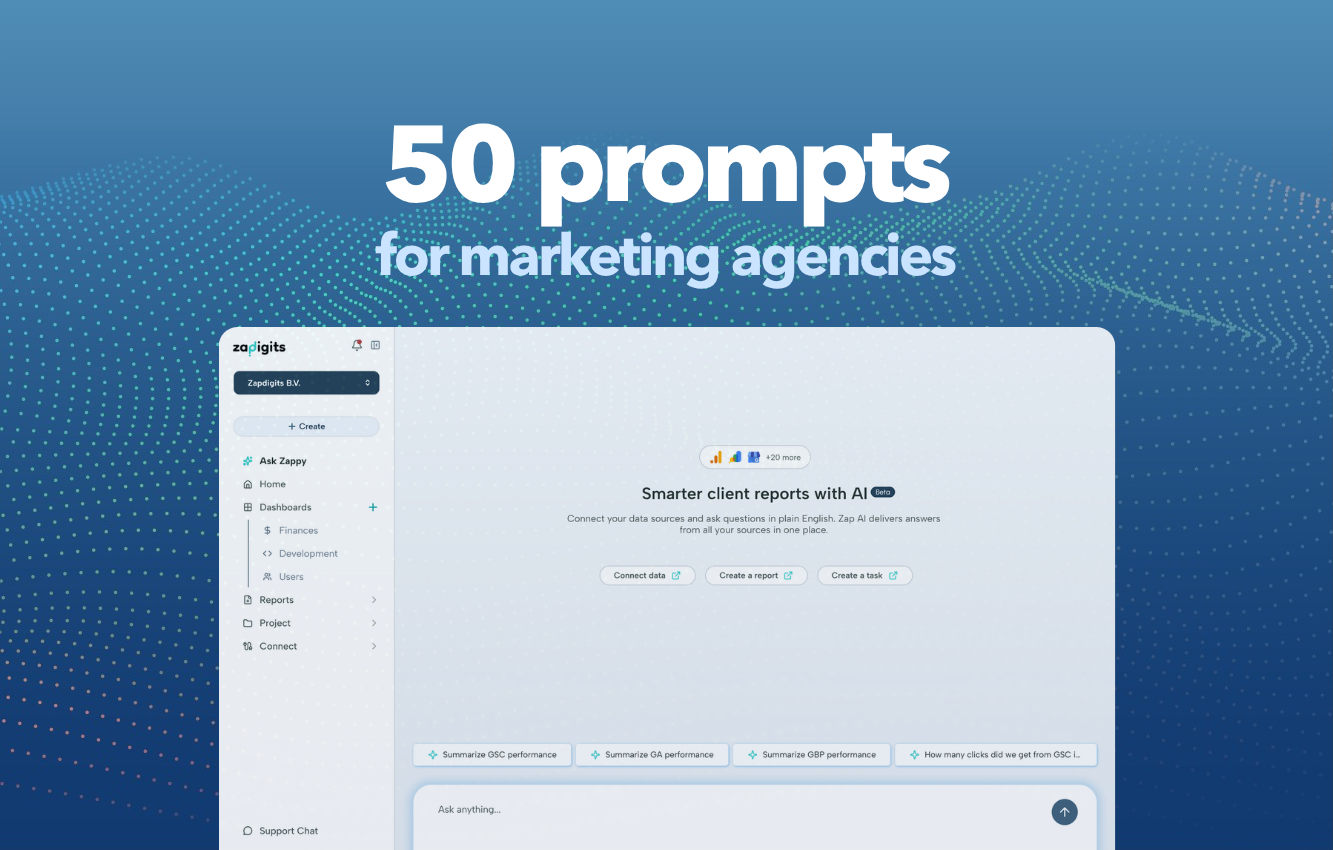
50 Prompts Every Marketing Agency Should Use With Their AI Agent
Read article
Most small businesses and nonprofits that struggle with marketing have already tried the obvious fixes. They redesigned the website. They ramped up social media. They ran ad campaigns and, in some cases, undertook a full rebrand.
Read articleStart building dashboards with Google Ads and your other marketing tools in minutes.
Get started free
Product
Compare
Resources
ZapDigits 2025. All rights reserved. | Made in The EU 🇪🇺